
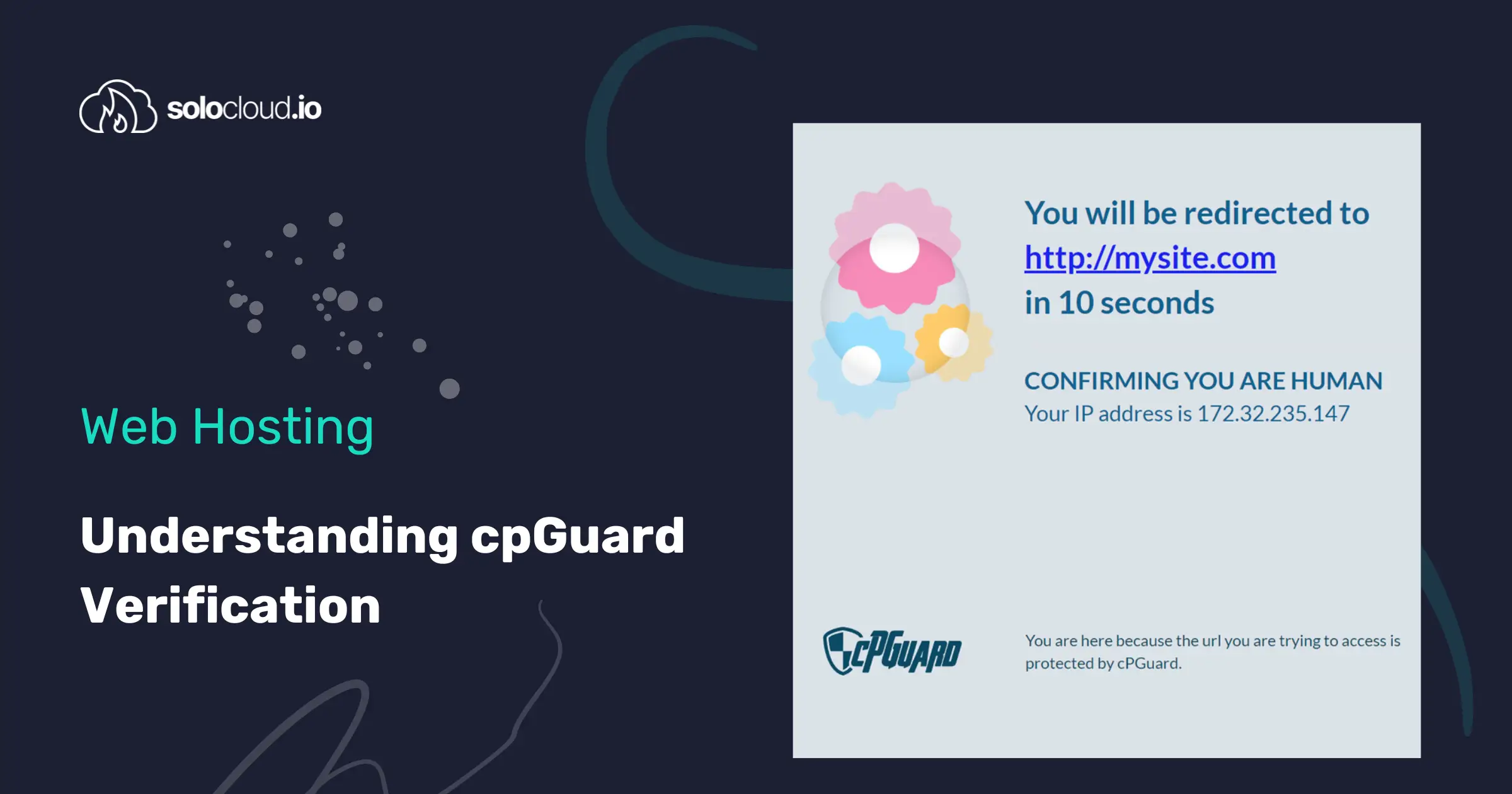
At SoloCloud, we prioritize the security of your websites. As part of our shared hosting environment, we have implemented cpGuard’s Captcha verification feature to protect against automated threats and bot attacks. This article will explain why you might encounter Captcha prompts and the rationale behind this security measure. Why You See Captcha Prompts: Captcha verification […]

When working with Node.js applications on your SoloCloud hosting account, you may encounter the ‘npm: command not found’ error. This typically indicates that the npm (Node Package Manager) is not in the system’s PATH, or the correct version of Node.js is not being used. This article will guide you through resolving this error and running […]
In shared hosting environments, such as those provided by SoloCloud, the ‘Select PHP Version’ screen often displays a default PHP memory_limit value that is lower than the maximum available. This article explains the rationale behind setting a lower default memory_limit, the implications of increasing it, and the limitations faced by clients in adjusting this default […]
DNS (Domain Name System) is a system that translates domain names, which are easy for humans to understand, into IP addresses, which are used by machines. When you use a DNS resolver like Cloudflare or Google Public DNS, you’re changing your DNS “switchboard” operator from your ISP to a faster and more secure one. This […]
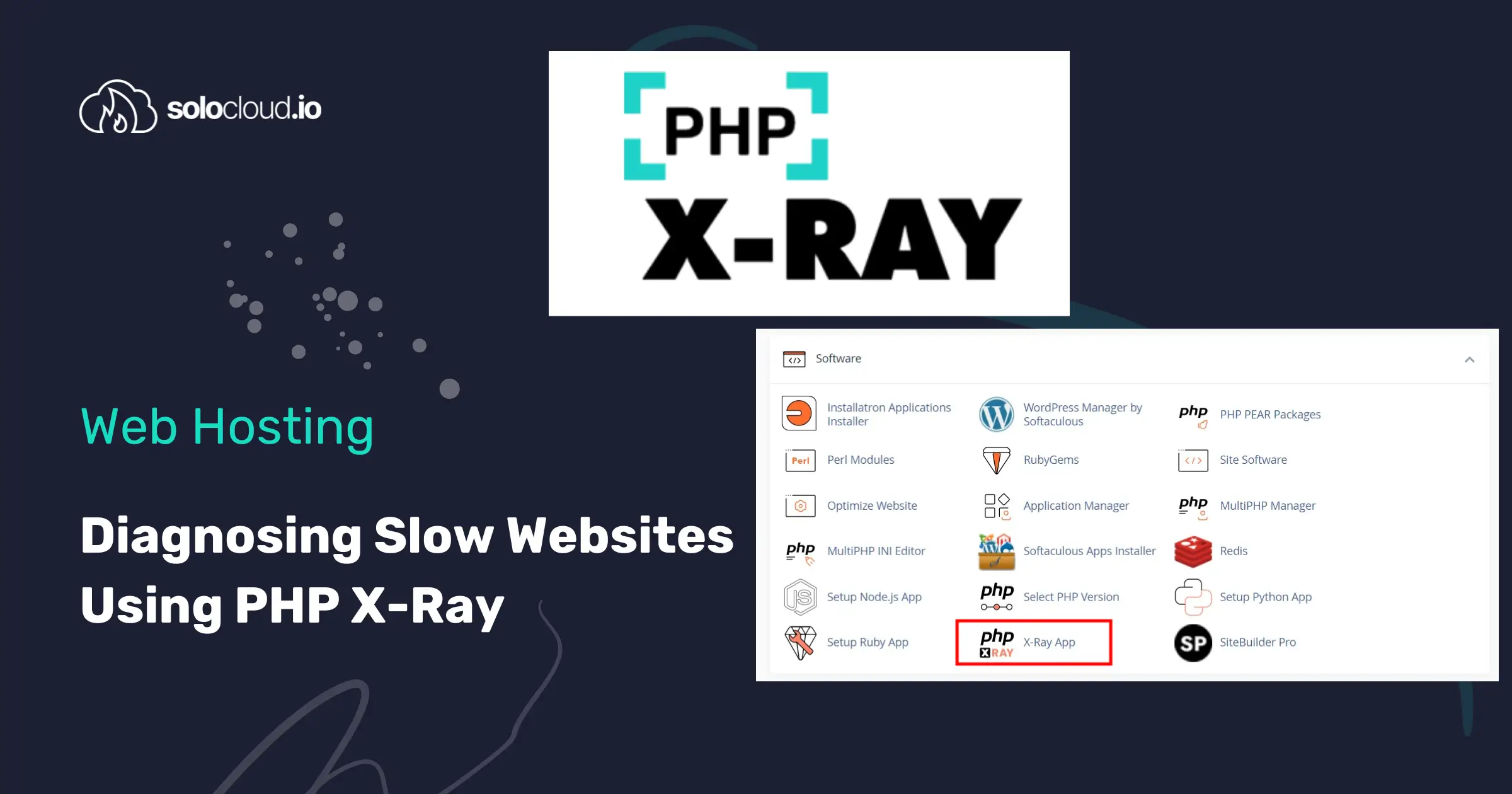
When a website or application feels like its ‘slow performing’, the common assumption is that its a ‘server issue’, whereas in many cases the bottleneck in terms of performance can be within the application/script itself.When a website slows down, there can be issues within the code that have traditionally been difficult to diagnose. We are […]
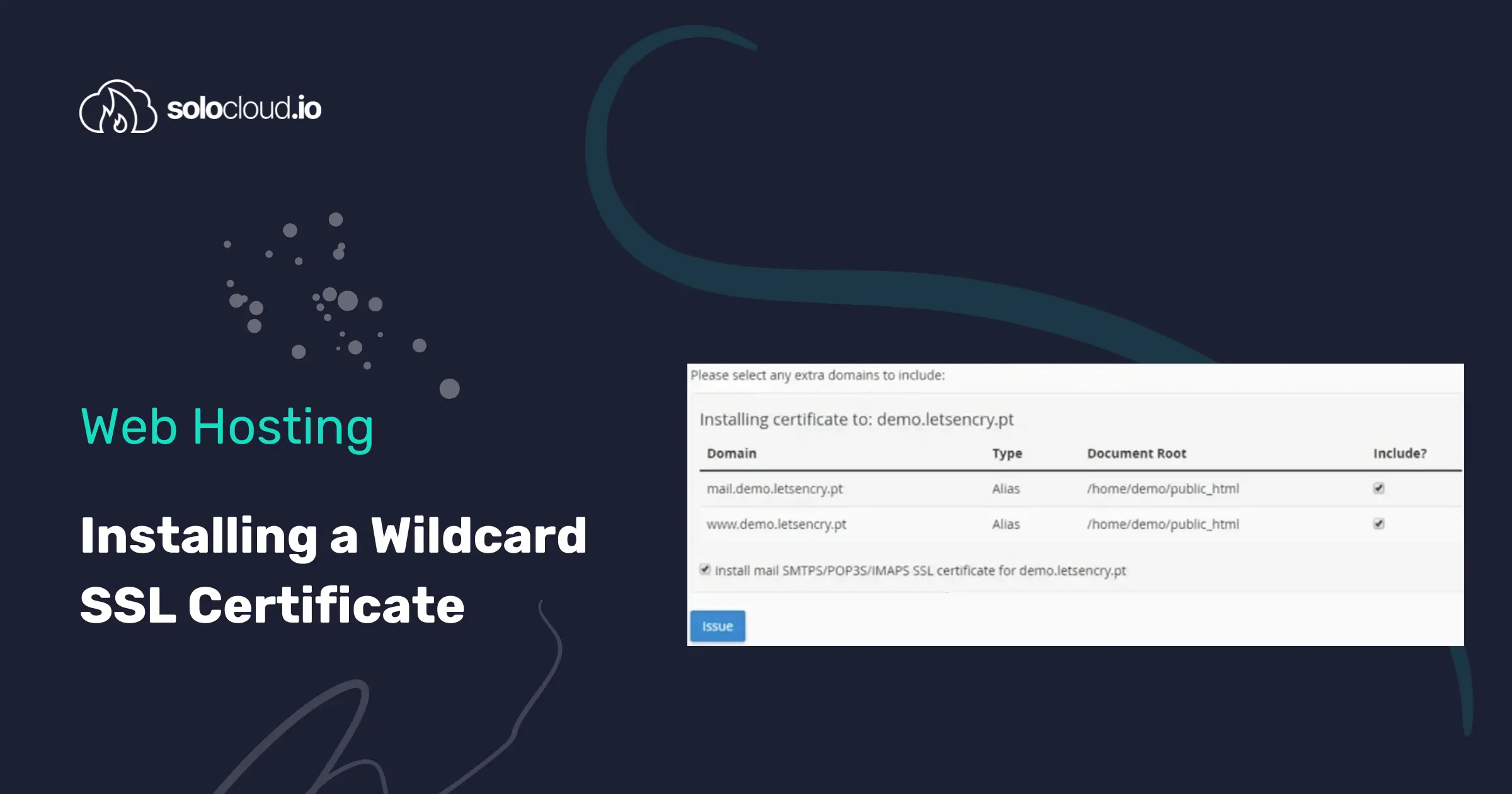
Our automatic SSL installation process (powered by AutoSSL) will automatically install Sectigo SSL certificates. Sectigo SSL certificates offer optimal coverage, completely automatically and free of charge. In addition, they also do not ‘rate limit’ requests, making it an ideal solution for us as shared hosting providers. LetsEncrypt however, also offers you additional functionality, such as […]

MySQL databases are essential for many web applications, including content management systems and ecommerce platforms. Here’s how you can create and manage MySQL databases in cPanel: Step 1: Log in to cPanel First, log in to your cPanel account. This is typically done by adding /cpanel to the end of your domain name in your web […]
FileZilla is a popular open-source File Transfer Protocol (FTP) client that you can use to upload or download files from your web hosting server. This guide will show you how to set up FileZilla for SFTP (SSH connections) and FTPS (Explicit SSL/TLS) connections. Downloading and Installing FileZilla First, you’ll need to download and install FileZilla. […]
When dealing with large databases, the standard phpMyAdmin tool in cPanel might not be the most reliable option for uploading. In such cases, it’s more efficient to import the database manually using an SSH (Secure Shell) session. This guide will walk you through the process. Preparing for the Import Before you begin, you’ll need to […]
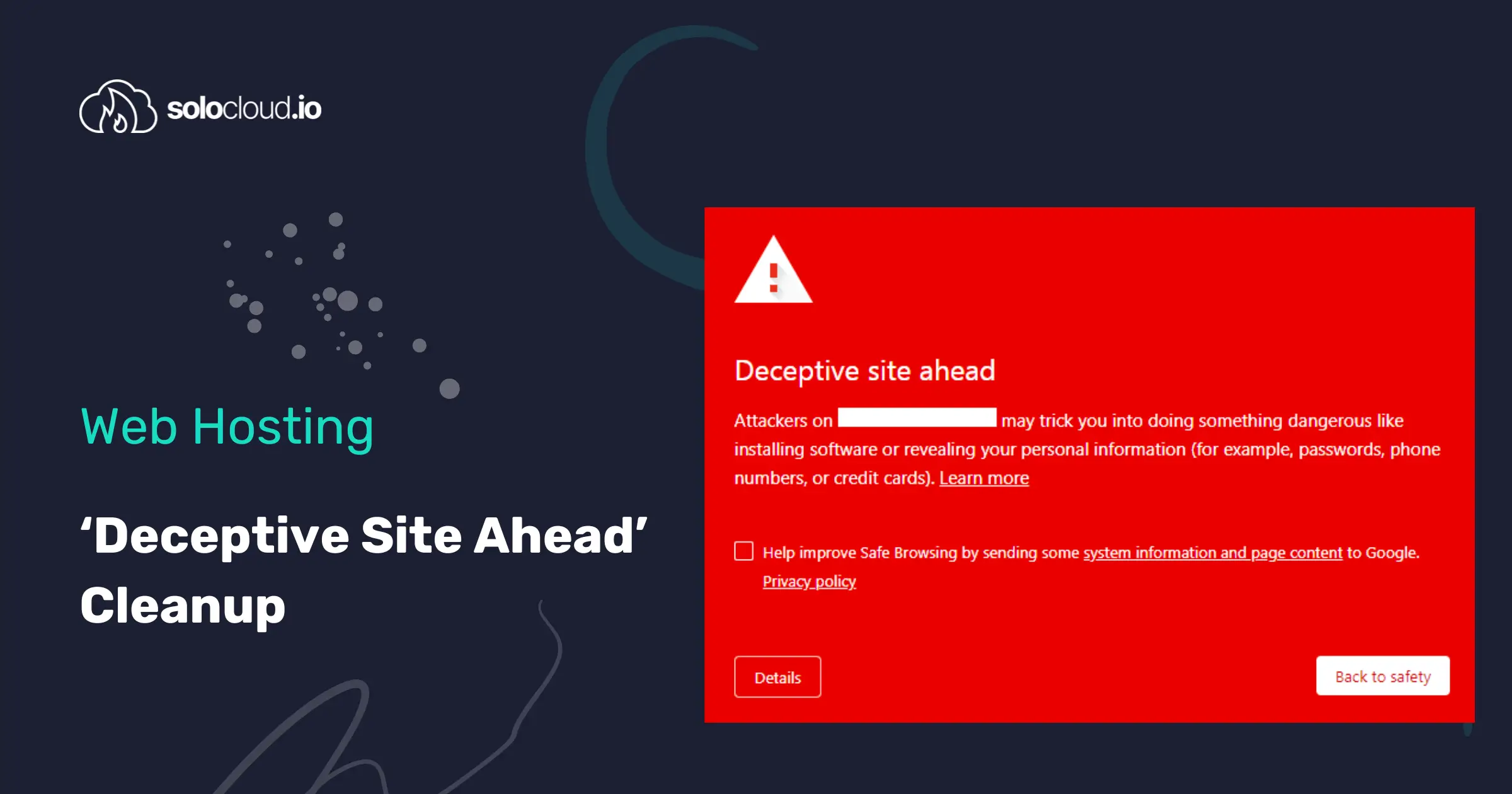
If Google suspects your website contains malware or misleading content, or is being used for phishing attacks, it may blacklist your site. Visitors to your site will then see a ‘Deceptive Site Ahead’ warning, indicating that the site they are about to visit could pose a security risk. If your site is displaying this warning, […]
- 1
- 2