 By

When you try to send an e-mail message, you may receive the following SMTP error message:
550 Sender verify failed.
Cause:
This error message occurs when the sender’s e-mail account does not exist in cPanel, or when the domain’s MX entry records are misconfigured in cPanel.
For example: suppose when you add a parked domain, an addon domain, or even an entire cPanel account, and If your domain’s MX records (as set at the domain registrar) point to an external e-mail provider, you must also configure the MX entries in cPanel to use the external e-mail provider. Additionally, in cPanel you must create the e-mail accounts that you want to use to send messages.
Solutions:
Make sure the e-mail account you are using to send messages actually exists in cPanel, and that you are using the correct username and password for SMTP authentication.
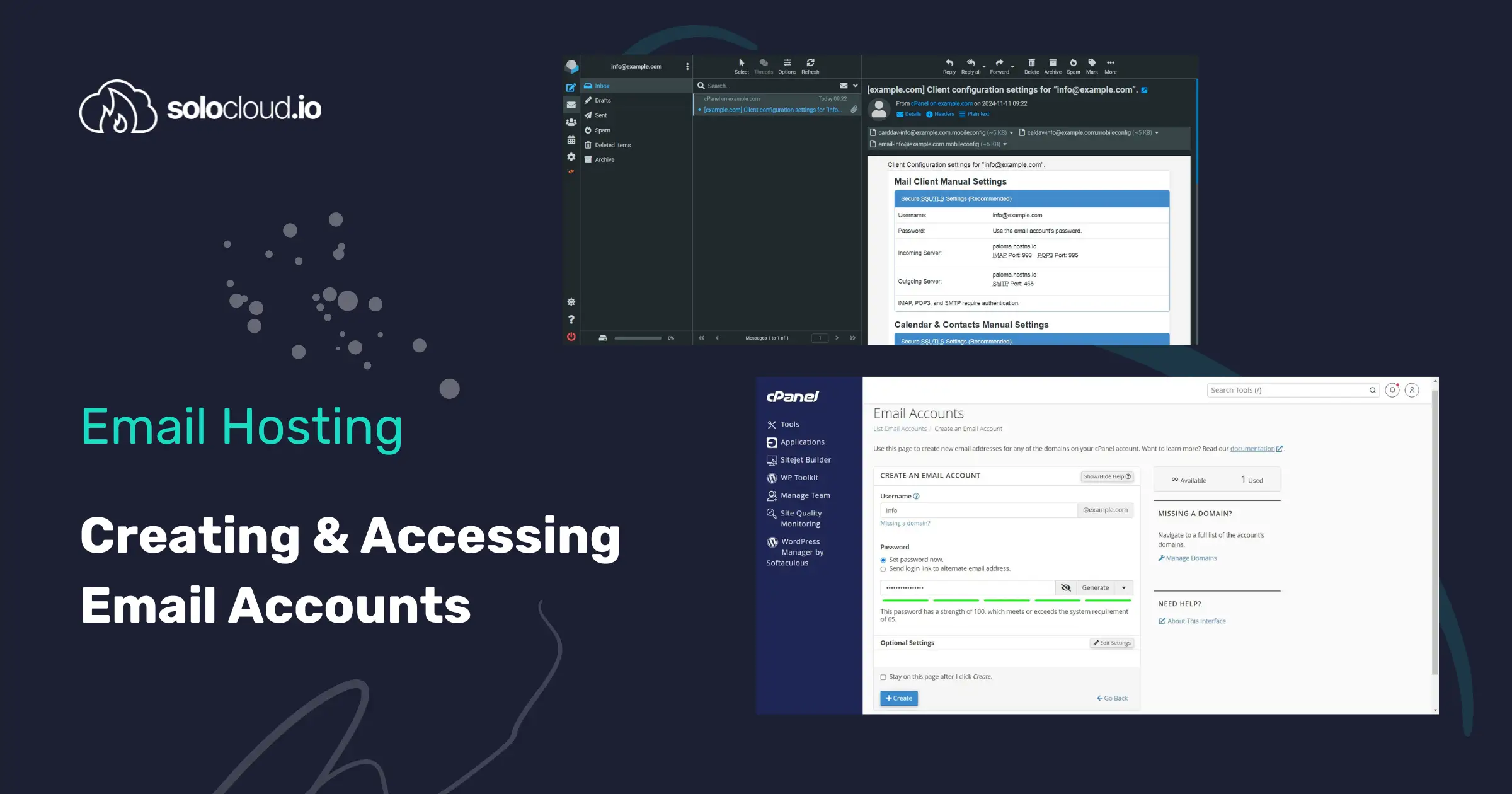
1 Log in to cPanel.
2 Email accounts >> Manage
If the domain uses a remote e-mail provider, make sure the MX entries are set correctly in cPanel:
1 Log in to cPanel.
2 Under Zone editor >> select domain >>manage >>Email Routing configuration
3 select “RemoteMail Exchanger”
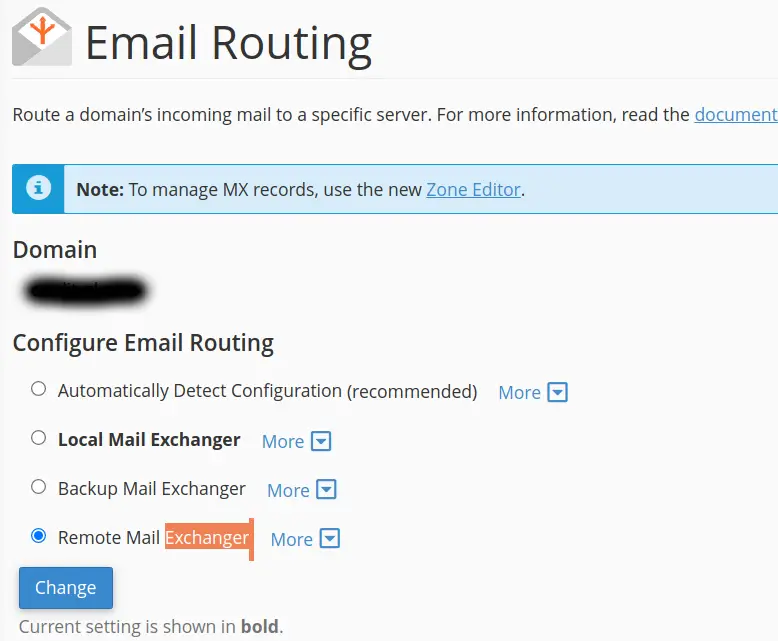
If the domain uses a local e-mail provider, make sure the routing has set to “Local Mail Exchanger”