 By
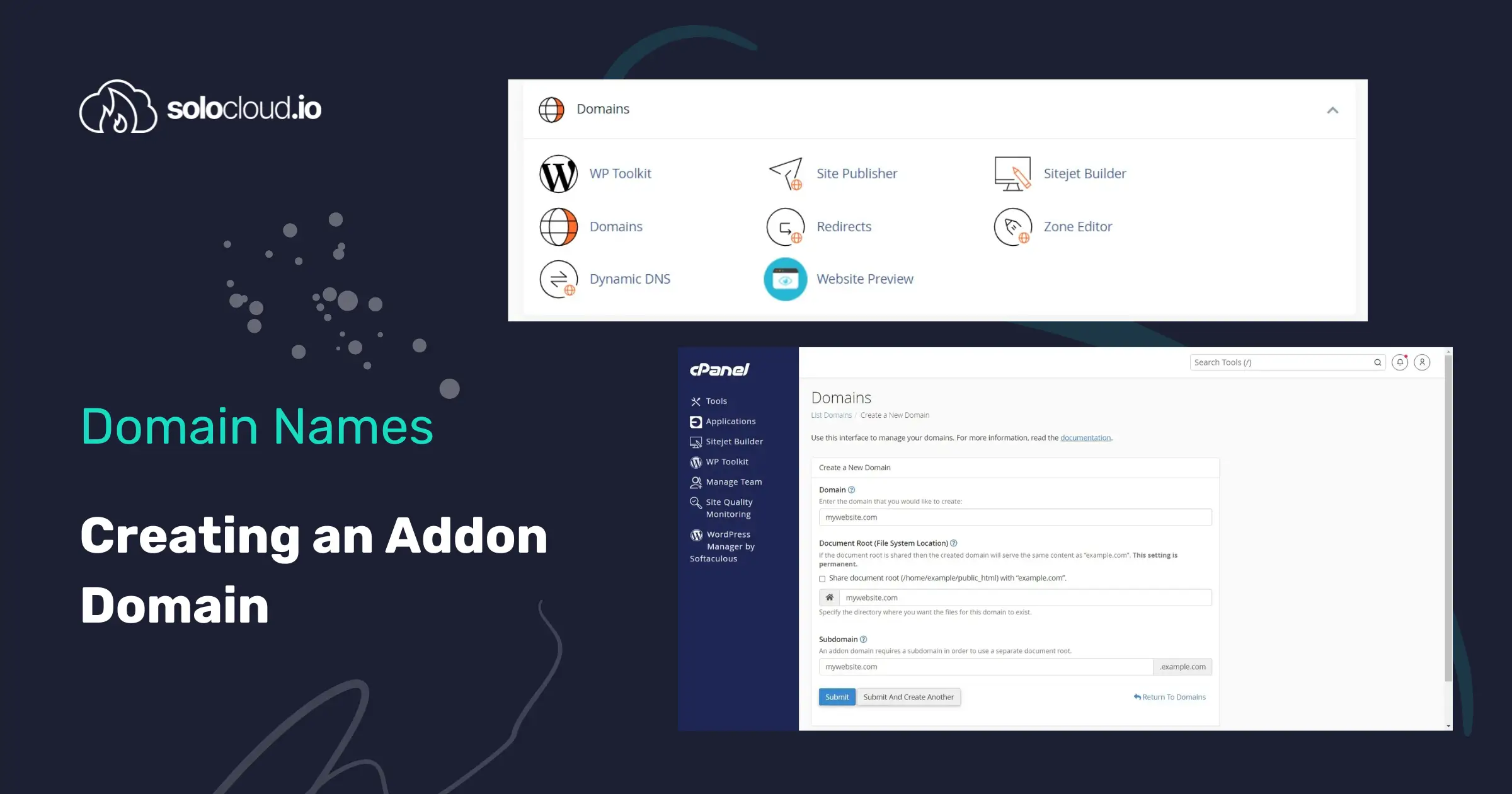
Our generous cPanel web hosting plans allow you to host more than one domain name in the same cPanel. This guide will show you how to add extra domains (addon domains) to your cPanel.
Step 1: Search and register the domain from your client area first and ensure the domain’s nameservers are pointing to us.
Step 2: Log in to your cPanel and navigate to the “Domains” section, then click the “Domains” module.
Step 3: On the domains page, click on “Create A New Domain” button.
Step 4: Input your domain (without https or www), disable the ‘share document root’ option, and click on “Submit”
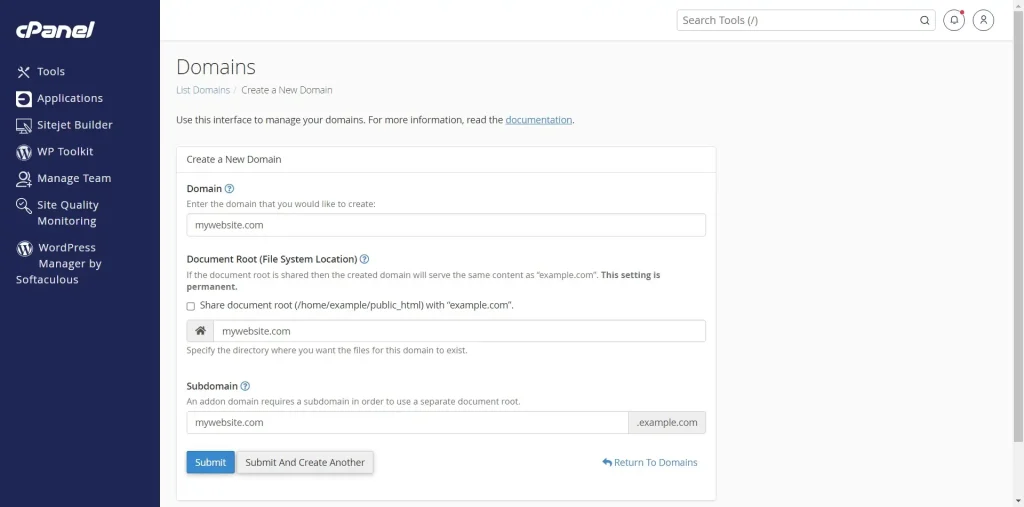
The domain name will be added to your cPanel and a document root created in the ‘File Manager’ where you can upload the website files for the domain.