 By
Migrating a hosting account from your old hosting provider has never been easier and can be done in just a few minutes.
To be able to migrate a cPanel account from a remote provider, you would first need to purchase a hosting service from our website; once you have an active account, you can begin the migration process.
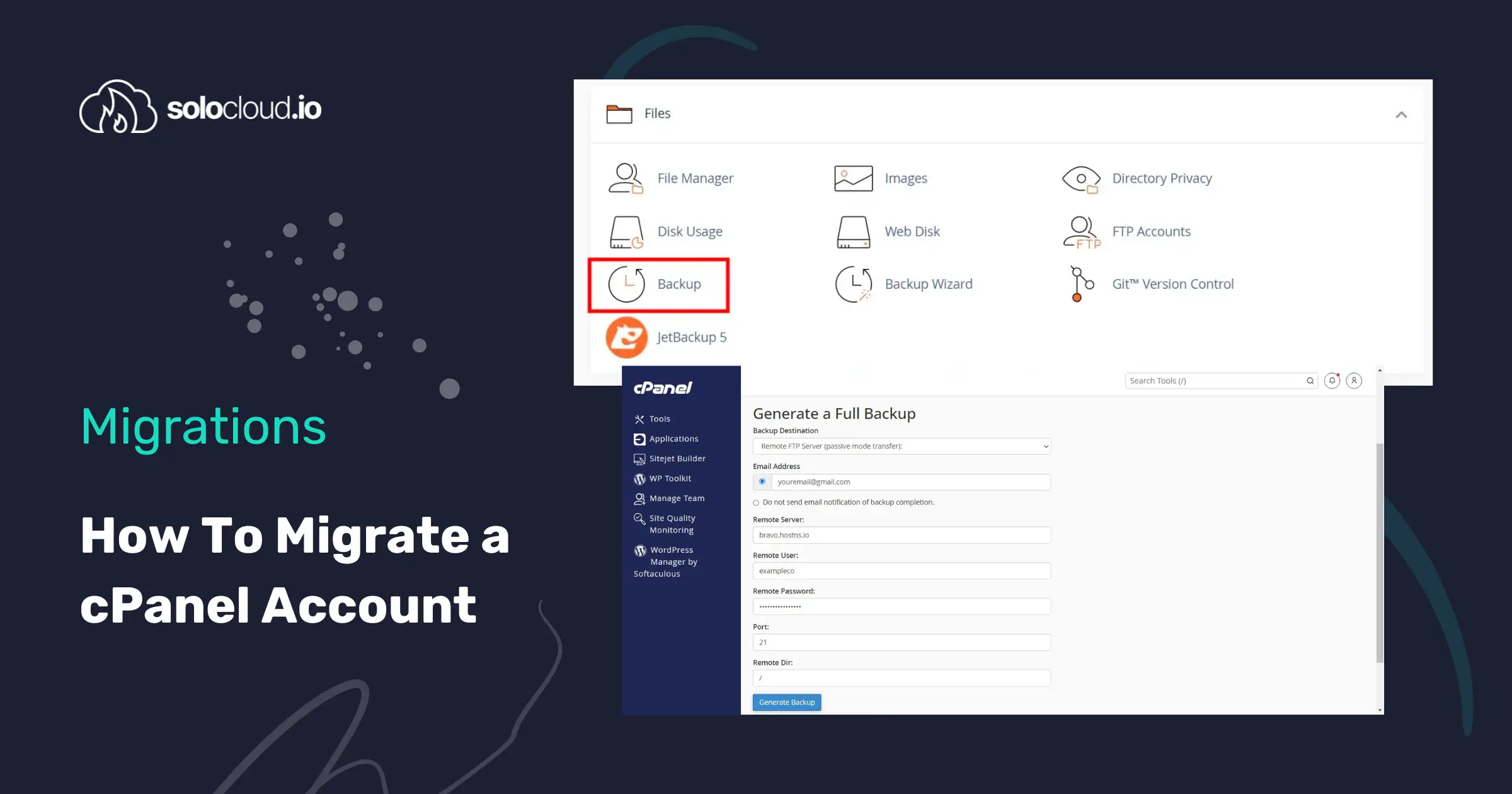
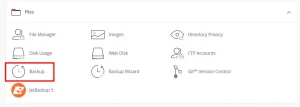
Step 1: Log in to your old host and navigate to the ‘Files’ section and click on the ‘Backup’ module.
Step 2: In the backup page, click on ‘Download a Full Account Backup’
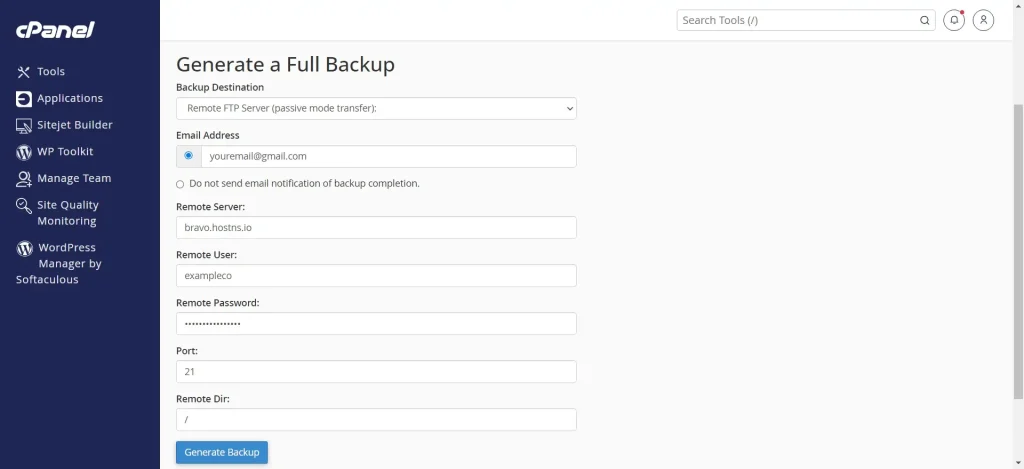
Step 3: In the full backup page, choose the destination as ‘Remote FTP Server (Passive mode transfer)’
To get notified when the backup completes, put your email address in the notification box.
In ‘Remote Server’, input the hostname that was sent to you when you purchased a hosting plan from us.
In ‘Remote user’ and ‘Remote Password’, input your cPanel username and password with us.
In ‘Port’ use 21 and ‘Remote Dir’ use / then click on ‘Generate Backup’
The backup will now be generated from your old host into your new cPanel account with us. Once that is completed, kindly open a support ticket so that we can do the backup restoration for you.
Once the restoration is complete, you can now change your nameservers to point to us.